Getting started
Installing caqtus
You first need to install the caqtus-suite python package.
pip install caqtus-suite
This will install the latest version of the package and its dependencies in the current python environment. If you decide to use caqtus in the long run, it is advised to create a virtual environment for the project to avoid conflicts with other packages, and to ensure isolation from the system python packages. Using a package manager to do this is recommended, for example uv.
Configuring the experiment
You need to configure the experiment to tell it where to store the data. To do so, let’s create a configuration file my_experiment_config.py in the root of the project.
In this file, we create a new experiment and configure it to store the data in a single file using SQLite.
from caqtus.extension import Experiment
from caqtus.session.sql import SQLiteConfig

my_experiment = Experiment(SQLiteConfig("experiment_data.db"))
This file only declares how the data should be stored, but does not create the database. Before starting the experiment, you need to create the database by running the following command:
python -c "from my_experiment_config import my_experiment; my_experiment.upgrade_database()"
This will upgrade the database to be compatible with the current version of the code. When run for the first time, it will create the database file, such that the project folder should look like this:
Note
If you plan to acquire a lot of data (more than a few 100 MB), or want to access the database from multiple computers, it is recommended to use a PostgreSQL database instead of this single file sqlite database (see Setup PostgreSQL).
You can then complete the configuration file to enable basic plugins for the experiment:
from caqtus.extension import Experiment
from caqtus.session.sql import SQLiteConfig

my_experiment = Experiment(SQLiteConfig("experiment_data.db"))
my_experiment.setup_default_extensions()
This configures the experiment to be able to define digital and analog outputs.
You can then launch the Condetrol application used to define and launch experimental runs:
python -c "from my_experiment_config import my_experiment; my_experiment.launch_condetrol()"
If everything goes well, you should be greeted with a window that look like this:
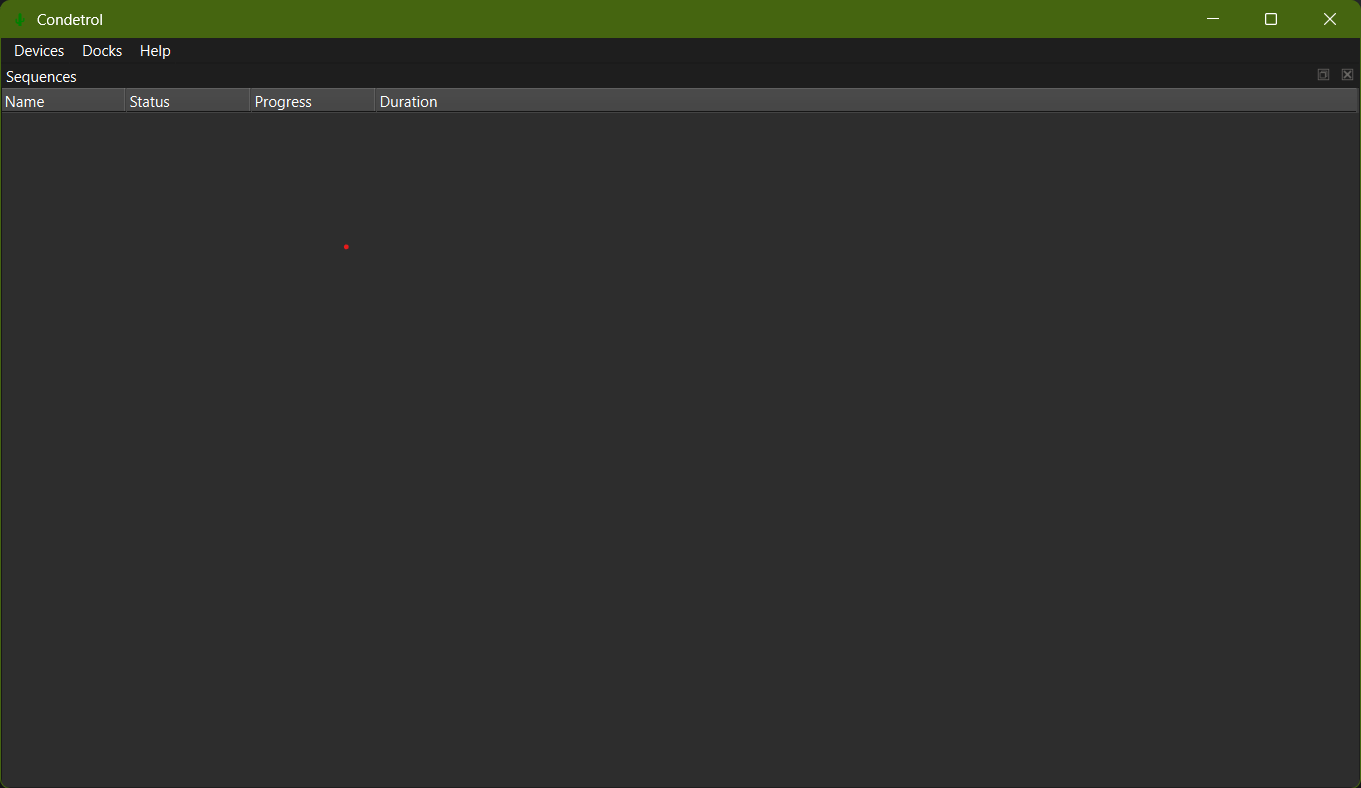
Condetrol main window